Reduce Support Costs With These 7 Proven Tactics Now
Learn how to reduce support costs with 7 proven tactics including AI automation, self-service resources, and smarter metrics that cut ticket volume.
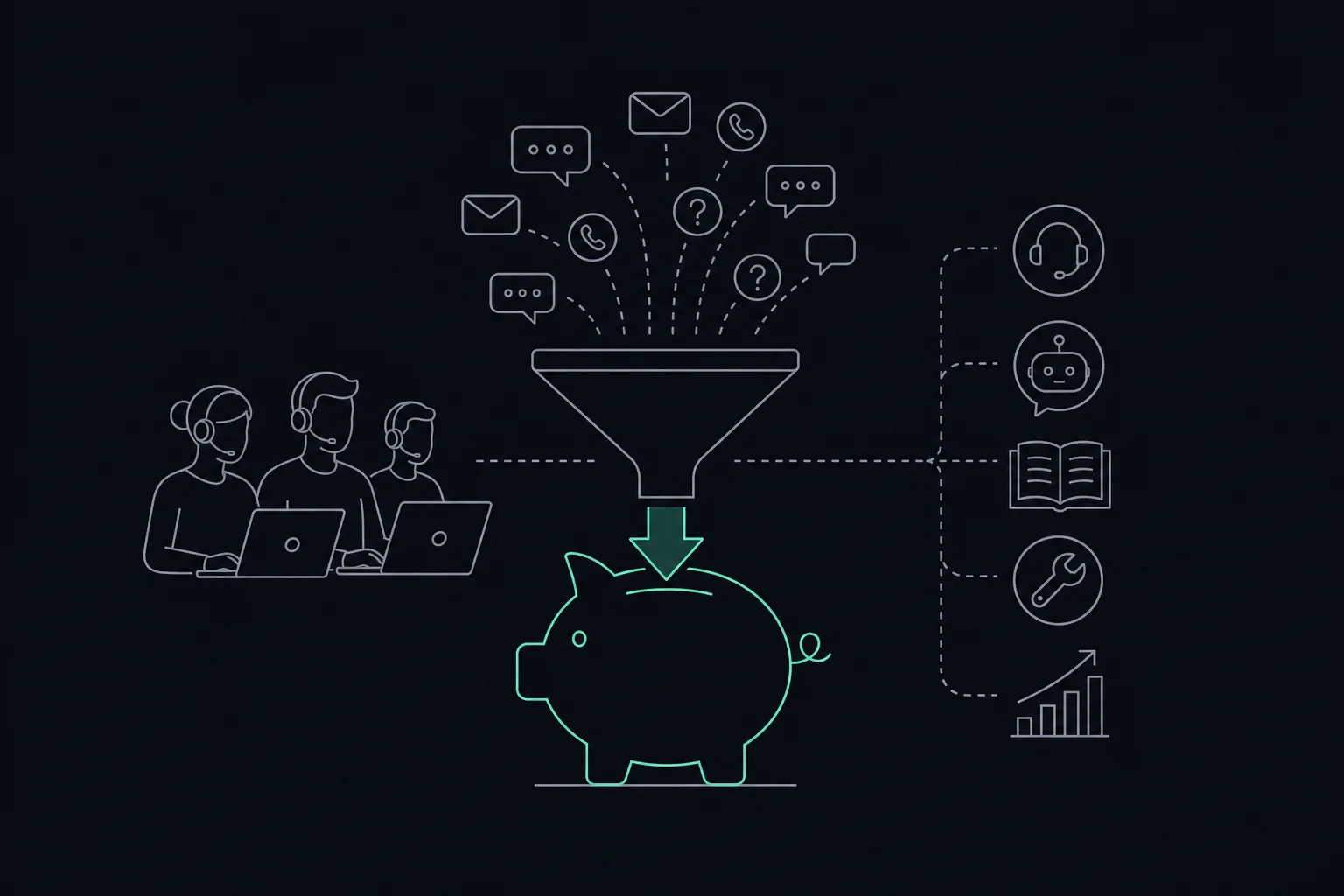
To reduce support costs, audit your cost per ticket, automate repetitive Tier 1 queries with AI, build self-service resources, fix the product issues that drive repeat contacts, shift your team's metrics toward first-contact resolution, and choose tooling whose pricing model matches how you actually work. Together these tactics can eliminate a significant share of avoidable ticket volume and agent overhead.
Most support teams spend more than they realize on tickets that should never have been opened. The problem is not always headcount or tooling. It is avoidable volume, missing context, and metrics that reward speed over resolution. A structured set of tactics, not a single tool, is what closes the gap.
What Does It Actually Mean to Reduce Support Costs?
Reducing support costs means lowering the total spend required to resolve a given volume of customer issues, without dropping service quality. It is not the same as cutting staff or ignoring tickets. The goal is to eliminate waste: redundant contacts, tickets that repeat because the first answer was incomplete, and queries that a good help article could have prevented.
The stakes are real. SaaS Capital's 2026 data shows that customer success and support costs represent 9% of Annual Recurring Revenue for the median private B2B SaaS firm. That is a significant line item, and most of it is controllable. In the B2B software sector, the cost per support ticket generally ranges from $25 to $35 due to the technical nature of the queries. Multiply that by a few thousand tickets a month and the number gets uncomfortable fast.
Yet a study cited by Nextiva indicates that 79% of businesses are unaware of their specific cost per support ticket. You cannot reduce a number you have never measured. That is where this list starts.
Tactic 1: Calculate Your True Cost Per Ticket Before Cutting Anything
You need a baseline before any tactic makes sense. Without one, you cannot tell whether a change saved money or just moved cost somewhere else.
Follow these steps to build your cost-per-ticket number:
- Calculate your current total support spend. Add up loaded salaries for every agent and manager on the team. Bureau of Labor Statistics data from June 2026 indicates that employee benefits account for 30.0% of total compensation costs in private industry, so multiply base salaries by that factor to get a loaded figure. Then add software subscriptions, training costs, and a fair share of facilities and overhead.
- Identify and categorize your ticket volume by complexity and query type. Pull 90 days of ticket data and group it: password resets, billing questions, how-to requests, bug reports, escalations. This tells you where volume concentrates and which categories are cheapest to automate.
- Divide total monthly spend by total monthly tickets. That is your cost per ticket. Compare it to the $25 to $35 B2B software benchmark. If you are above that range, your highest-cost categories are your first targets.
This calculation also shows you the ceiling on savings. If you handle 2,000 tickets a month and eliminate 400 of them through self-service, you avoid that fully loaded agent cost on every deflected ticket before you change a single process.
Tactic 2: Automate Tier 1 Tickets With AI, What the Numbers Say
AI automation pays off most clearly on high-volume, repetitive queries: password resets, order status checks, plan questions, and basic how-to requests. These tickets cost the same to resolve as complex ones but require almost no judgment.
Intercom reports that its AI agent, Fin, successfully resolves 81% of the company's own support ticket volume. That is a self-reported figure from Intercom's own team, not an independent benchmark, but it signals what is possible when an AI agent is trained on a well-structured knowledge base. Inefficient workflows and repetitive tasks contribute to annual support overhead of $500,000 to $800,000 for many teams, so automating even a fraction of that volume changes the math significantly.
Two tools are worth knowing here. Helply is a helpdesk that uses outcome-based pricing, meaning it charges only for tickets the AI actually resolves and does not bill for conversations that escalate to a human agent. It also scans interactions for churn risk and upsell intent. Intercom provides an AI agent called Fin alongside a full ticketing system. Its AI resolution features may require additional add-ons beyond the base plan. Both run in the cloud and connect to existing workflows.
One practical guardrail: AI resolution rates drop sharply for tickets requiring account history or custom configuration. Complex, account-specific, or emotionally charged tickets still need a human. The goal is to protect your agents' time for those cases.
Tactic 3: Build Self-Service Resources That Actually Get Used
A knowledge base only saves money if customers find and use it before they open a ticket. Most teams build articles reactively and end up with a library that is incomplete, outdated, or hard to search.
Here is how to build one that reduces inbound volume:
- Use your ticket category data from Tactic 1. The top five query types by volume are your first five articles. Write those before anything else.
- Write for the search term, not the internal name. Customers search "how do I cancel" not "subscription termination policy." Match their language.
- Add a short video or screenshot to every procedural article. Text-only instructions produce follow-up tickets when steps are ambiguous.
- Review article performance every 90 days. If a page gets high traffic but still generates tickets, the article is not answering the question. Rewrite it.
- Surface the knowledge base inside your product. An article linked from the relevant settings page gets used. A PDF buried in a footer does not.
Bureau of Labor Statistics data shows that benefits account for 30.0% of total compensation costs. Every ticket a customer resolves themselves avoids that fully loaded agent cost entirely.
Tactic 4: Should You Fix the Product Instead of Answering the Ticket?
Sometimes the cheapest support ticket is the one that never gets created. If the same product confusion drives hundreds of contacts a month, answering each one individually is expensive. Fix the product once and you eliminate all of them.
This approach, often called shift-left, means routing patterns in your ticket data directly to the product or engineering team rather than treating every contact as a support problem to be solved in isolation. That annual overhead includes a meaningful share of tickets that exist because of a confusing UI, a missing confirmation email, or an error message that does not explain what to do next.
The practical framework is straightforward. Tag every ticket with a root cause: user error, missing documentation, product bug, or feature gap. Review those tags monthly with your product team. Any root cause category that generates more than 50 tickets a month is worth a product fix conversation. A one-time engineering sprint to add a status page or clarify an onboarding step can eliminate a recurring ticket category for good.
This does not replace AI automation. It works alongside it. Automate what you cannot fix; fix what you can.
Tactic 5: Does Your Software Pricing Model Inflate Your Support Costs?
Per-seat pricing is standard across most support tools, but it can quietly inflate costs as your team grows. Every new agent adds another license, even for part-time or overflow staff who handle a small fraction of total volume.
SaaS Capital's 2026 data shows support costs at 9% of ARR for the median B2B SaaS firm. For fast-growing teams, per-seat pricing means that number scales with headcount rather than with outcomes. When you audit your toolstack, ask two questions: does this tool charge per seat, and does the number of seats you pay for match the number of agents actively resolving tickets?
Outcome-based pricing models offer an alternative. Helply charges only when its AI successfully resolves a ticket, with unlimited seats included. That model aligns cost directly with value delivered. It will not suit every team, but for organizations with high AI-resolvable volume, it can reduce per-ticket software cost significantly compared to a pricier per-seat plan.
Flat-rate plans with generous seat limits can also work well for larger teams. The point is to audit what you pay per resolution, not just per month.
Tactic 6: What Is First-Contact Resolution and Why Does It Cut Costs?
First-contact resolution (FCR) measures the percentage of tickets fully resolved on the first interaction, with no follow-up required. It is one of the most direct levers for cutting support costs because every repeat contact is a second full ticket cost on top of the first.
When teams optimize for tickets closed per hour, agents are rewarded for speed, not completeness. A quick reply that does not fully solve the problem generates a follow-up. That follow-up carries the same fully loaded agent cost as the original ticket, plus the time to re-read context and reconstruct what was already discussed.
Shifting your primary metric to FCR changes behavior. Agents take time to gather full context before replying. They confirm resolution before closing. They escalate sooner when a ticket needs a specialist.
One practical way to improve FCR is to get complete context on the first contact. Text descriptions of technical issues are often vague. A customer writing "it's not working" gives an agent almost nothing to act on. Tools that let customers show their issue, rather than describe it, close that gap. VideoSupport is a browser-based video capture tool that helps software support teams cut back-and-forth costs by letting customers record their issue on any device, with no app or extension required. The recording arrives transcribed and AI-triaged, with a draft answer already attached, so the agent has everything needed to resolve the ticket the first time.
Tactic 7: Choose Tooling Whose Pricing Model Matches Your Volume
First-contact resolution depends on agents having full context before they reply. For complex, hard-to-describe issues, that context rarely arrives in a text message. VideoSupport is a browser-based video capture tool that helps software support teams cut back-and-forth costs by letting customers record their issue on any device, with no app or extension required. An AI layer guides the recording to capture the right detail on the first attempt.
When the recording lands in your queue, it arrives transcribed, AI-triaged, and accompanied by a draft answer. Agents spend less time asking clarifying questions and more time resolving. It fits directly into your existing workflow through CRM integrations and an API available on every plan.
This is not a replacement for an AI chatbot handling password resets. It is the right fit when your costs come from complex issues where text alone keeps the conversation going.
Here are the current plans:
| Plan | Price | Users | Videos/month | AI Reviews/month | CRM & API |
|---|---|---|---|---|---|
| Free | $0/month | 2 | 2 | None | Included |
| Lite | $39/month | 3 | 300 | 11 | Included |
| Pro | $299/month | 10 | 1,000 | 89 | Included |
| Enterprise | $399/month | 50 | 5,000 | 119 | Included |
The Free plan is a low-risk way to test whether video capture reduces your back-and-forth volume before committing to a paid tier. The Lite plan at $39/month suits small teams with moderate volume. Pro at $299/month covers teams handling up to 1,000 videos a month with 89 AI reviews. Enterprise at $399/month scales to 50 users and 5,000 videos.
All plans include CRM integrations and API access, so VideoSupport connects to the workflow you already use rather than requiring a separate inbox.
Prices and plan limits verified as of October 2026.
FAQs
What are some real-world examples of reducing support costs?
Common examples include deploying an AI agent to handle password resets and order status questions, building a knowledge base that answers the top 10 ticket categories, fixing a confusing onboarding step that generates repeat contacts, and shifting team metrics from tickets closed per hour to first-contact resolution. Each of these reduces either ticket volume, resolution time, or both, which lowers total cost per ticket.
What is the difference between cost reduction and cost avoidance in customer support?
Cost reduction means lowering current spending, for example by automating tickets you already pay agents to handle. Cost avoidance means preventing future costs from materializing, such as fixing a product bug before it drives a wave of new contacts. Both matter. Cost reduction shows up immediately in your budget; cost avoidance protects it as you scale.
How do I make a business case for investing in support automation?
Start with your current cost per ticket and your monthly ticket volume. Estimate the share of tickets that fit a clear automation target, such as Tier 1 queries. Multiply that by your cost per ticket to show the potential saving, then compare that figure to the cost of the tool you are proposing. A clear before-and-after projection anchored to real ticket data is more persuasive than a vendor's resolution rate claim.
Does reducing support headcount always lower costs?
Not automatically. If you reduce headcount without reducing ticket volume, remaining agents handle more tickets and quality drops. Headcount reductions save money only when they follow a real reduction in required work, through automation, self-service, or product fixes. The better sequence: reduce volume first, then right-size the team to match.
What metrics should I track to know if my cost-reduction tactics are working?
Track cost per ticket monthly, first-contact resolution rate, ticket volume by category, and deflection rate from your knowledge base. If cost per ticket falls and FCR rises, your tactics are working. If ticket volume drops but FCR stays flat, you may be deflecting easy tickets while complex ones still generate repeat contacts.
Conclusion
Reducing support costs comes down to measuring what you spend, eliminating tickets that should not exist, and resolving the ones that do on the first attempt. No single tool or tactic does all of that. The teams that see the biggest savings combine AI automation for repetitive queries, self-service for common questions, product fixes for recurring issues, and metrics that reward complete resolution over raw speed.
Start by calculating your actual cost per ticket using loaded salaries and software costs. Then look at your top five ticket categories and decide whether each one is best handled by automation, a knowledge base article, a product fix, or a tool that helps agents get full context the first time. That decision, made category by category, is where the savings come from.